Merge and Reconcile Changes Between Excel Files
If you need to synchronize changes across multiple Excel files, xlCompare is an ideal solution for the task.
Merge Changes One By One
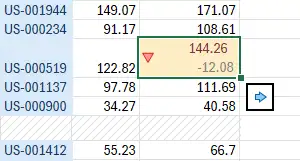
As you navigate through the list of differences, you can transfer any change to the other file by clicking the corresponding arrow button directly in the worksheet.
Automatic Reconciliation
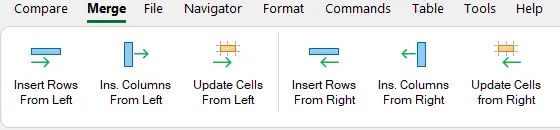
For automatic change transfer, xlCompare provides a set of commands in the Merge menu.
Merge Only Selected Changes
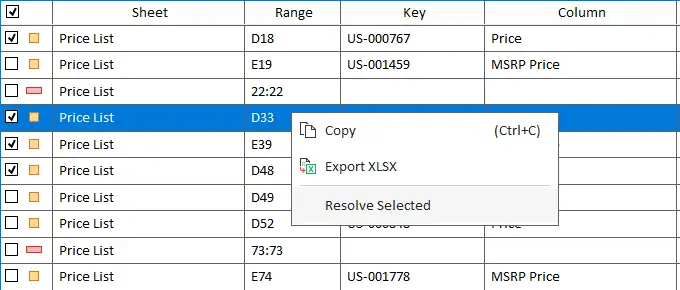
Select the changes you want to transfer from the list of differences, then use the Merge Selected command in the context menu to apply them to the other file.